 Pochi Docs
Edits
Edits account for changes you make locally while iterating on the code. If you fix something yourself, tweak a variable, or partially rewrite a block before asking for help, Pochi captures those recent edits and includes them as part of the review context.
Instead of only seeing the final file state, the agent receives the exact diffs you introduced, which helps it reason about what changed, where it changed, and what you were likely trying to adjust.
This gives the agent a clearer signal of your current intent and what should be addressed next.
How to Use Edits
1. Make your changes
You can open the diff from the last response and make direct changes to the written code.
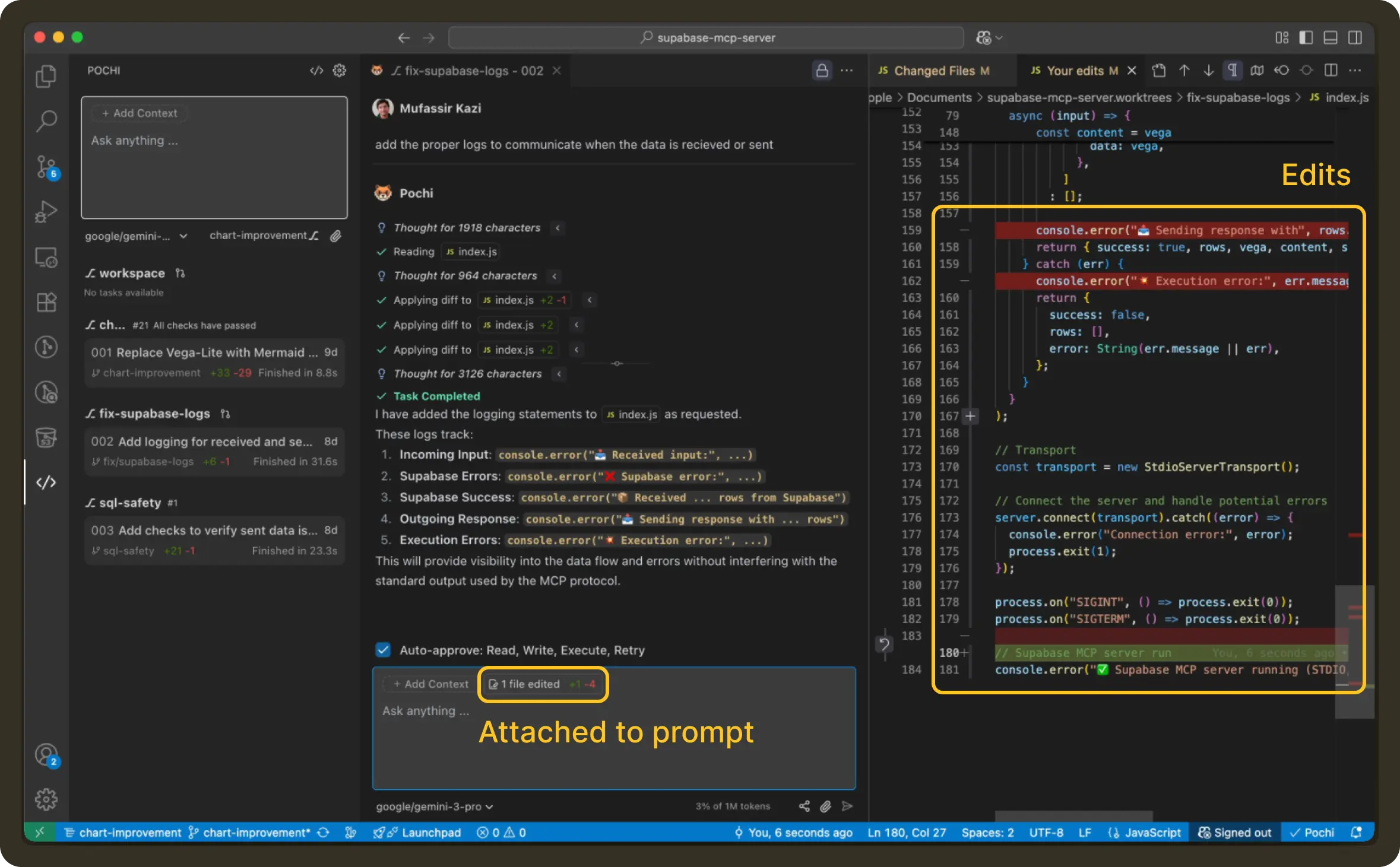
All local changes you make gets reflected in the chatbox UI.
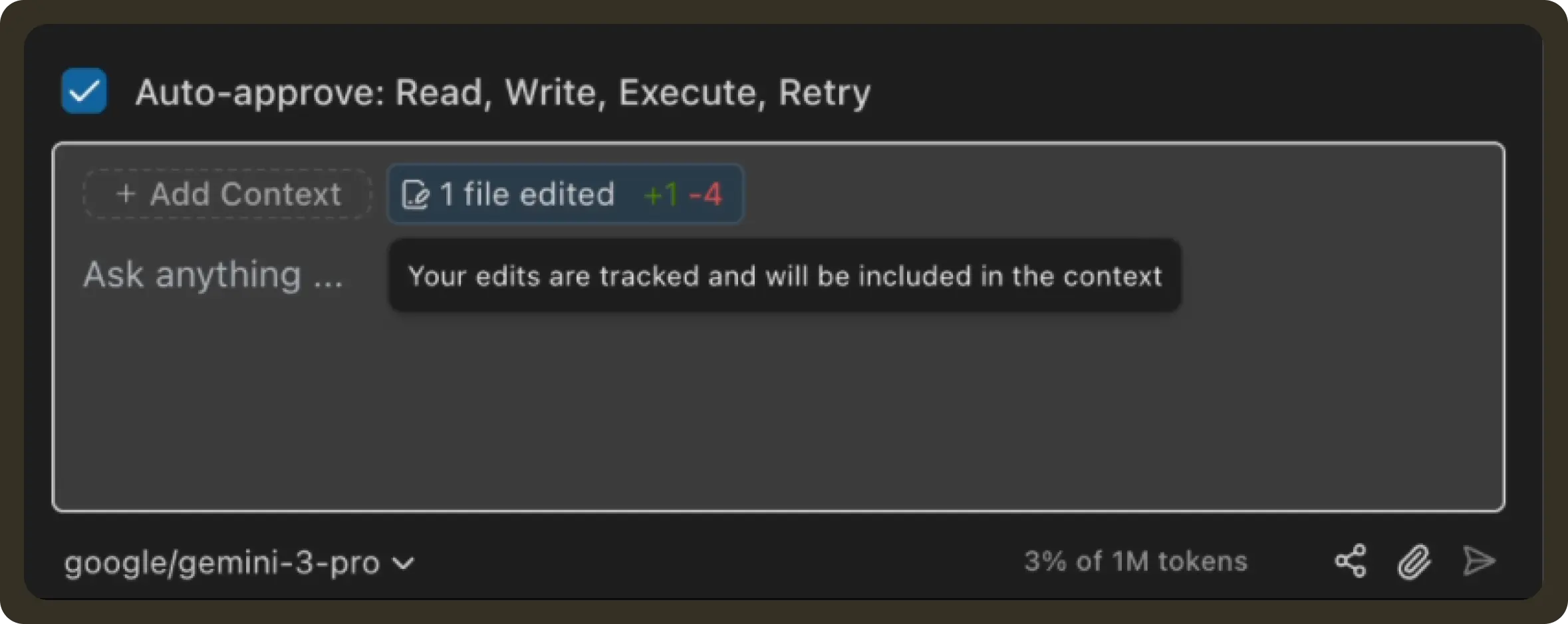
2. Send Edits as a Batch
Once you’re done making changes, submit your next prompt as usual.
For example:
Please review the editsor with extra guidance:
Use these edits to understand the new functions we need to addPochi will include your recent edits together with your message and use them as structured context for the next step.
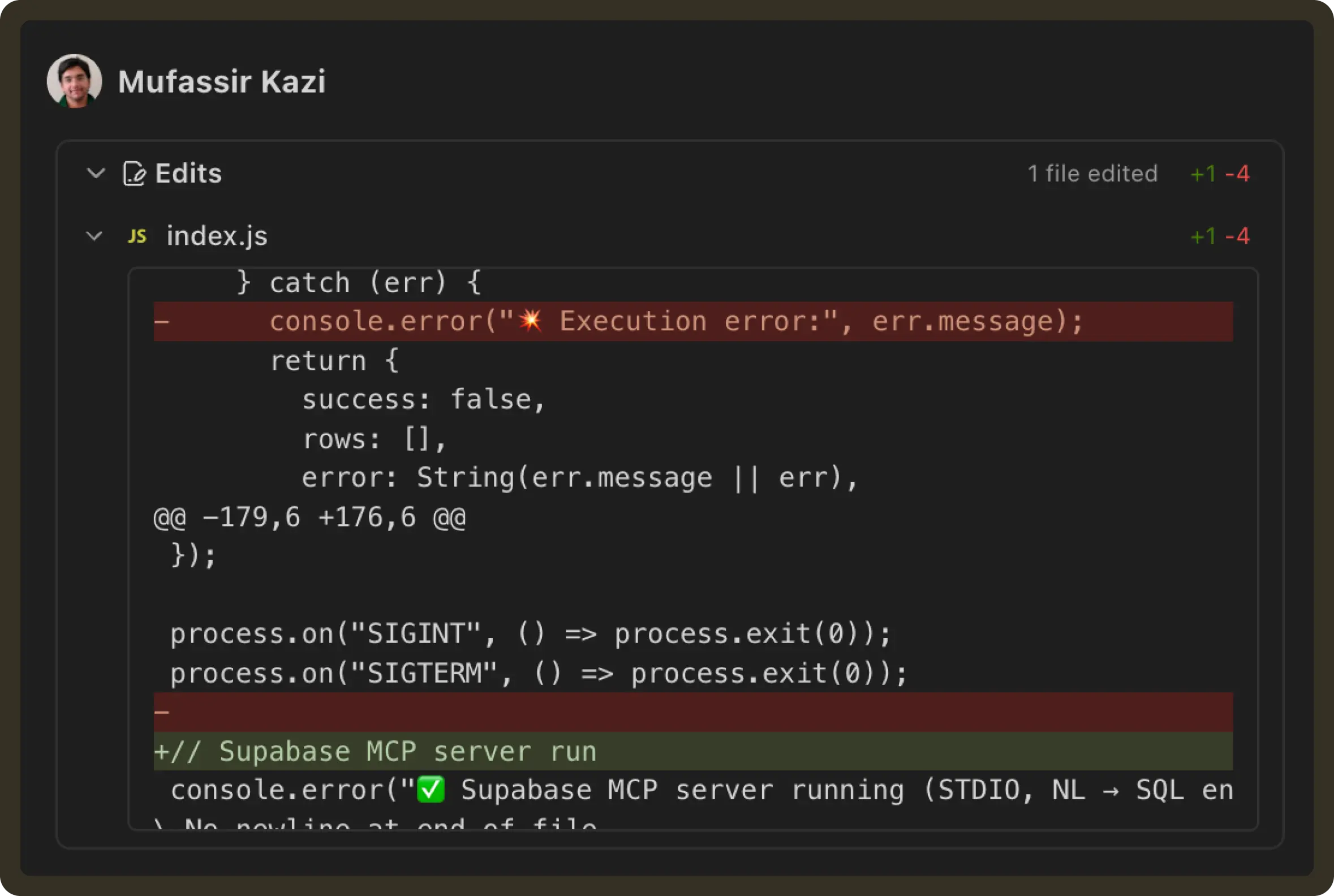
This lets the agent build directly on top of what you already adjusted, without you needing to re-explain those changes in chat.